Screen sharing scams: how to protect yourself
Screen sharing is a useful feature when you're dealing with someone you know and trust. But fraudsters can also use it to see sensitive information, access your accounts, or trick you into approving something you didn't intend to.
The FCA warns that criminals may contact you unexpectedly, gain your trust, and persuade you to use legitimate screen sharing or remote-access software such as Microsoft Teams, Zoom, AnyDesk or TeamViewer.
What is a screen-sharing scam?
A screen-sharing scam happens when a fraudster convinces you to share what's displayed on your phone, tablet, or computer, or give them remote access to your device.
A fraudster may claim to be from an organisation that you trust and make the situation feel urgent, hoping that you'll act before you have time to think. They may then persuade you to share your screen, giving them the opportunity to see sensitive information or interfere with what you're doing.
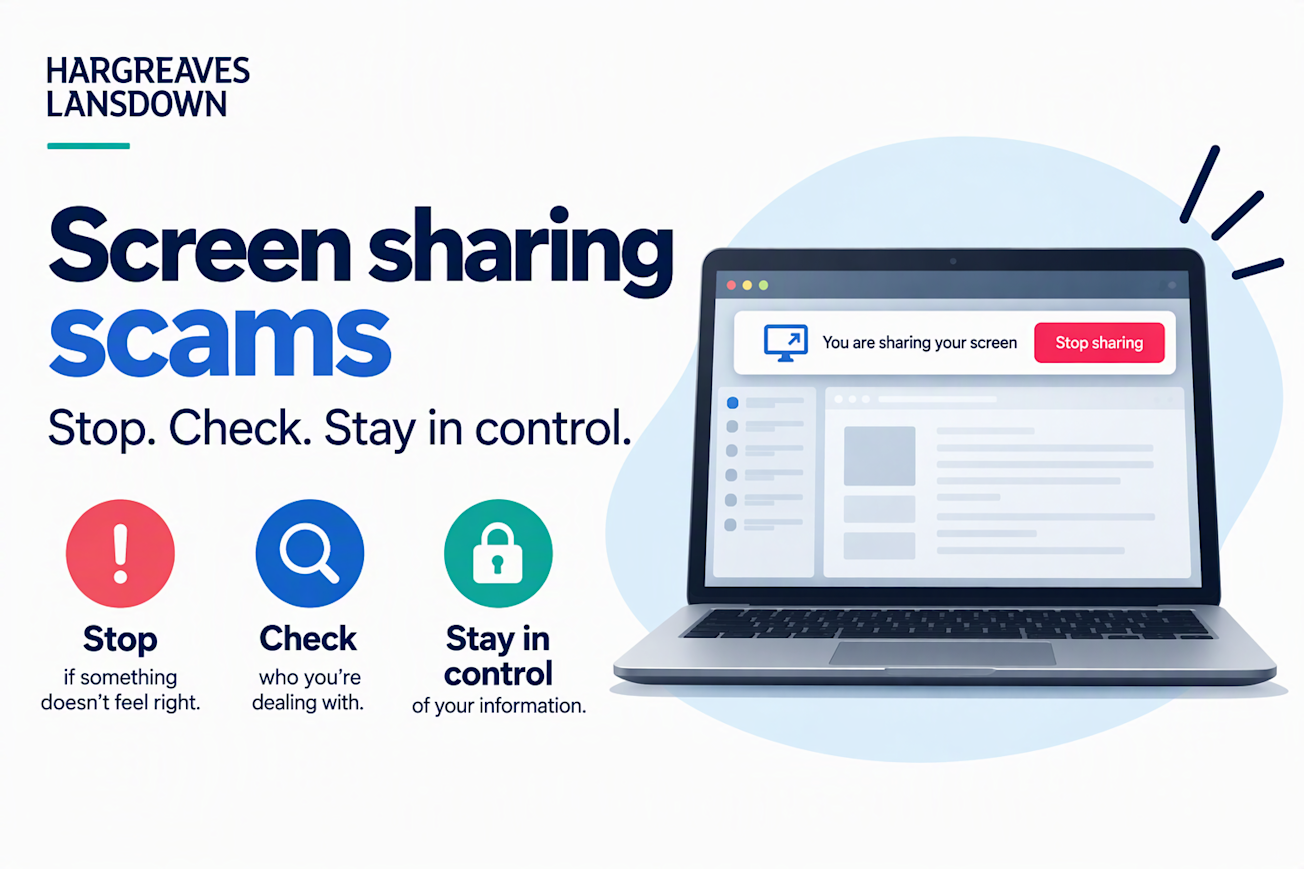
Remember: HL will never call you and ask you to share your screen.
Be careful with QR codes and login requests
QR codes can be a quick and secure way to confirm your identity, but always be aware of phishing campaigns asking you to log in.
For example, a fraudster could open a genuine website on their device while sharing their screen with you, then ask you to scan the QR code they can see. The website and QR code may be genuine, but you could be approving their attempt to access your account.
When logging in to your HL account:
Scan an HL login QR code only when you have opened the HL website yourself and started the login.
Never scan a login QR code because somebody on a call, message, or screen share asks you to do so.
Never approve a login request that you weren't expecting.
How to protect yourself
Stop if something doesn't feel right. Fraudsters often create a sense of urgency to make you act before you've had time to think.
Be cautious if someone:
unexpectedly asks you to share your screen or give them remote access
asks you to download screen sharing or remote-access software
wants you to sign into an account while they can see your screen
asks you to scan a QR code or approve a login
asks for passwords or security codes
pressures you to act quickly
If someone claims to be from HL and you're unsure, stop the conversation and contact us directly using our official contact details.
We will never ask you to disclose full security credentials, particularly your Secure Number, in full, including when logging in.
Think you've shared your screen with a scammer?
Act quickly:
End the screen sharing or remote-access session.
If you've installed remote-access software at someone's request, disconnect their access.
Change any passwords or security details that may have been exposed, using a device you trust.
Contact our Helpdesk on 0117 900 9000 as soon as possible if you think your HL account or personal information may have been compromised.
Contact any other financial providers if their accounts or information may also have been visible.
You can also find further advice in the FCA's guidance on screen sharing scams.
Stop. Check. Stay in control.